Your next open house, done right.

Focus on hosting. Flatre organizes every visit.

Start from a property link. Flatre prepares the visitor page, keeps check-ins, feedback, and requests together, and shows you what needs attention.

Consent firstPrivate by designYou stay in control

Create your open house

Start with a public listing page. Sign in to create a private draft you can review before publishing.

Zillow and other public listing links can start a draft. Fill in anything that is missing.

Try the live demo
Private draftReview everythingNothing published yet

Operational storyboard

One property page, from first visit to open house.

Install one NFC or QR when the home is listed, then use it for property details, event check-in, and follow-up.

1

Set it up

One page. Every visit.

Use the same link for property details anytime and open-house check-in when an event is active.

  • One visitor link for every visit and event
  • Dates, attendance, and co-hosts stay together
  • Review the page before it goes live
Show18 Harbor View LaneDemo dataShowing Overview
Modern home used in the Open House demo

Ready to review

18 Harbor View Lane

Bellevue, WA · 4 beds · 3.5 baths

Saturday · 1:00–3:00 PM

Co-hosted by Taylor Morgan

Your visitor link

Share one page everywhere

Visitors can check in, view details, and find the resources you approve.

https://show.flatre.ai/h/demo-openhouse-preview
Copy linkQR codePrint signNFC optional
QR code for the demo visitor page
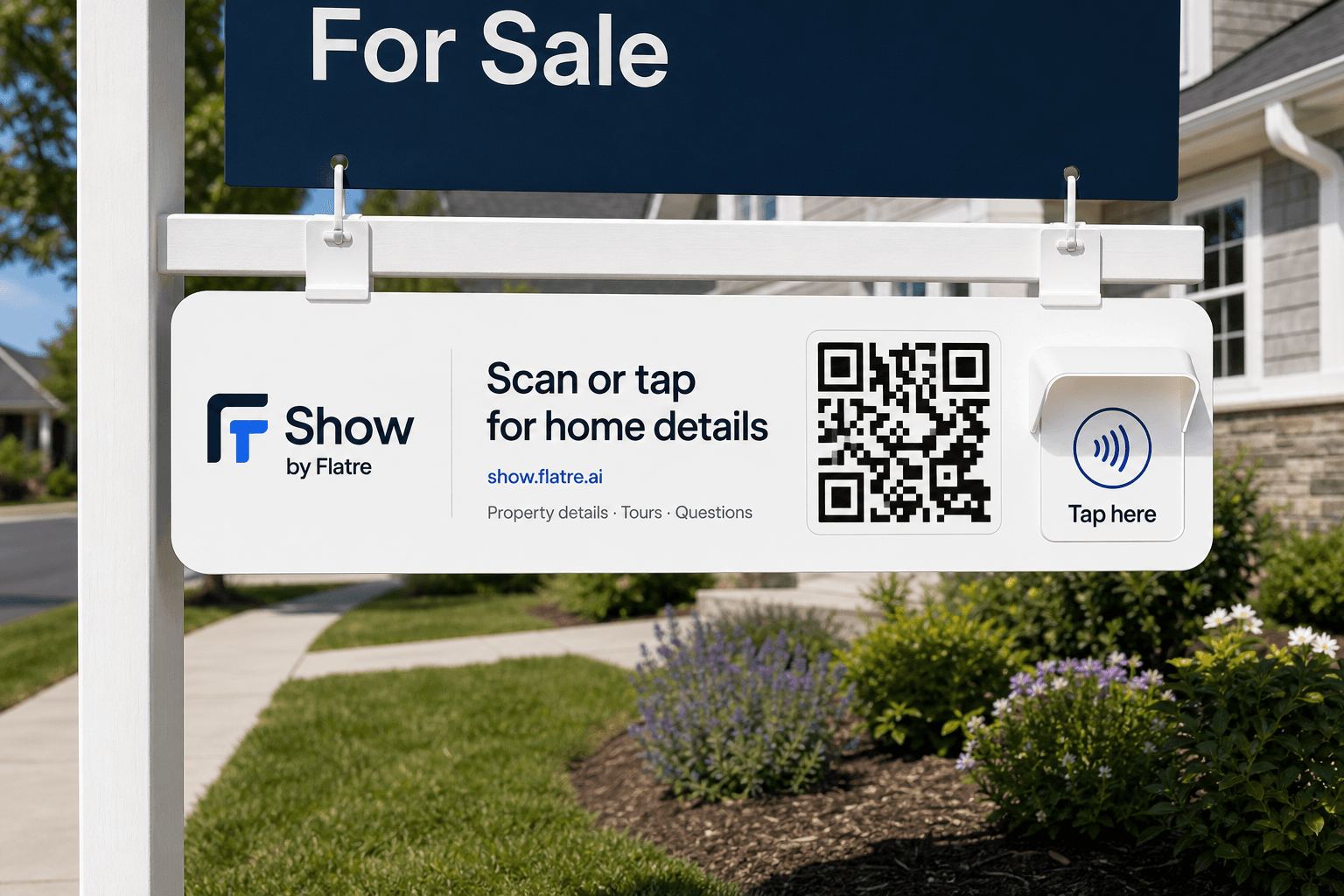
Concept for a Show by Flatre rider on a real estate sign
Exterior rider concept

Keep the same link at the property.

Visitors can tap or scan for property details anytime and check in when an open house is active.

Concept · Ordering coming soon
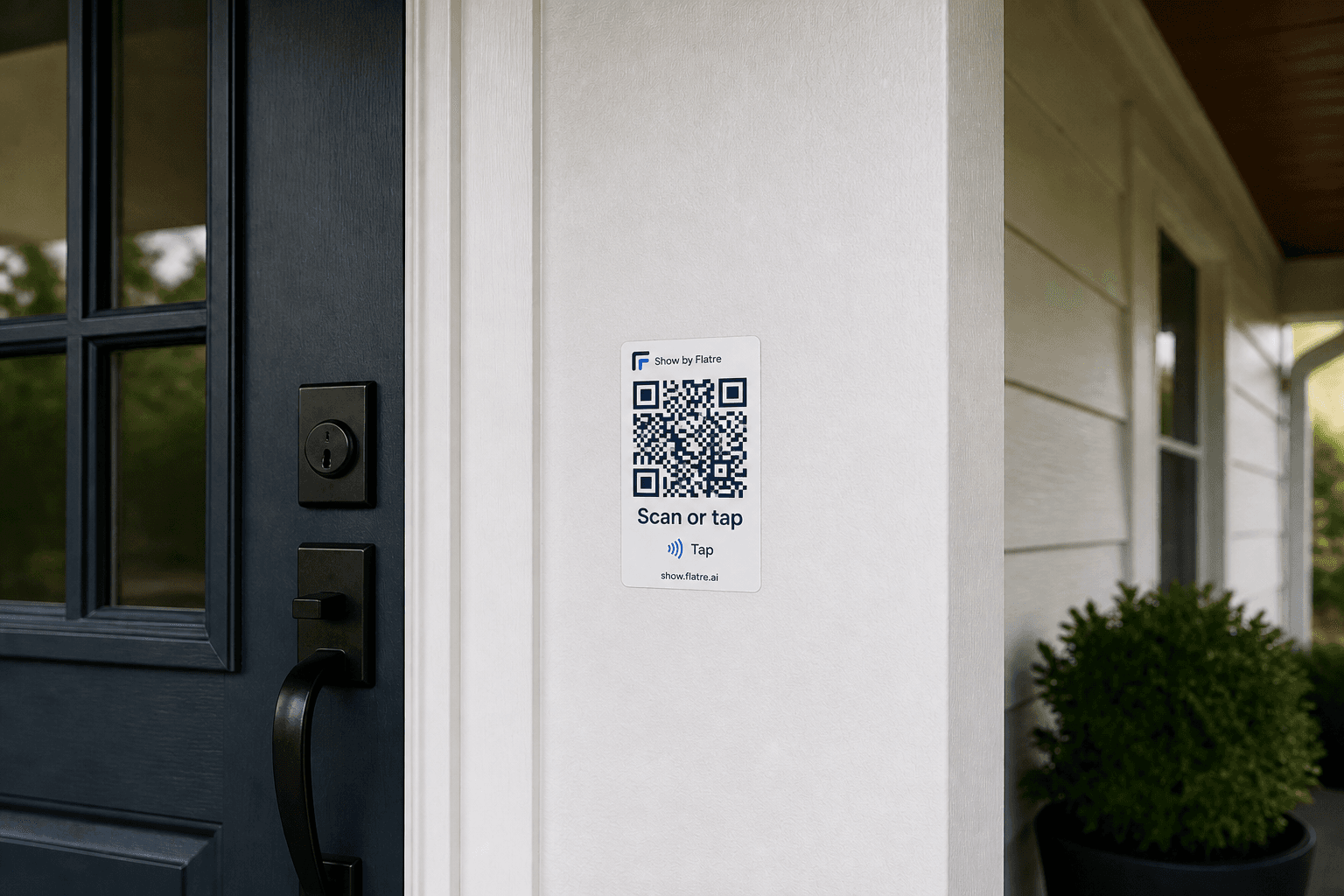
Concept for a small Show by Flatre stick-on label
Small sticker concept

A discreet option near the entry.

Concept · Ordering coming soon
2

Run the room

Capture what matters in the moment.

Visitors check in, ask questions, and share feedback on their terms. You see what needs attention without chasing paper notes.

  • See check-ins and requests as they arrive
  • Keep questions and feedback in one place
  • Know what needs your attention
Show18 Harbor View LaneDemo dataShowing Activity

Live activity

See what is happening now

Open house in progress
Visitors today23Checked in18Questions6Feedback9
VisitorActivityTime
MCMaya ChenCallback requested
DLDavid LopezQuestion about parking
SRSarah RiveraShared feedback
JWJames WhitakerInterested in another visit
3

Read the room

Leave with a clear story.

See who needs you, what visitors cared about, and what to do next. Prepare a seller update without sharing private visitor details.

  • Start with the strongest signals
  • See the feedback themes that matter
  • Prepare a clear update for the seller
Show18 Harbor View LaneDemo dataShowing Insights

People to follow up with

Know who to call first.

  1. 1MCMaya ChenHigh interest · Callback requested
  2. 2DLDavid LopezWants to connect · Parking question
  3. 3JWJames WhitakerInterested in another visit

What visitors thought

Feedback themes

Natural light
7
Primary suite
6
Kitchen layout
4
Yard and privacy
3

Next steps

Keep the right work moving

  • Call Maya todayShe asked for a callback
  • Answer the parking questionSend the approved details
  • Share listing resourcesKeep the response useful

Update for the seller

Share the useful story, not private details

Strong interest in the natural light, primary suite, and yard. Questions centered on parking and another visit.

Export visitorsPrepare seller update

Built for a better experience

Useful at the door. Clear after it closes.

Share it your way

Use a link, printable QR, kiosk mode, or an assigned NFC tag.

Make it yours

Choose a QR style, add resources, and ask your own visitor questions.

Use approved answers

Optional answers use only the home details and files you approve.

Keep sellers informed

Prepare a useful recap without visitor names or contact details.

Built for trust at the door

Open House trust controls

Explicit consent

Visitors agree before their check-in or contact choice is saved.

AI optional

Use answers based on approved home details when they help.

Publish when ready

No visitor page goes live until you choose to publish.

Interested is not an offer

Visitors express interest. You decide what comes next.

FAQ

Questions?

Do visitors need an app?

No. Visitors open the property page from a link or QR code in their phone browser.

How is consent handled?

Visitors agree before their check-in and email choice are saved. Sharing a phone number is optional and allows a person to call. Flatre does not send automated texts or calls.

How are property details prepared?

From this page, start with a public listing link. After signing in, you can also use a saved Flatre property or enter an address. Review every detail before the visitor page goes live.

What happens after someone checks in?

The check-in appears in your report. In selected workspaces, Flatre can send one follow-up email the next day when the visitor agrees.

Can AI answer visitor questions?

Optional answers are off by default. When enabled, Flatre answers only from the published home details and files you approve. If it cannot confirm an answer, the visitor can choose to send the question to you.

Does NFC work with the visitor page?

Yes, when a Flatre NFC tag has been obtained and assigned. Every page can also be shared by link or QR without additional hardware.

How much does Show by Flatre cost?

Solo includes unlimited Show publishing. Show Pro gives you more visitor follow-up automation. Plan limits apply, and upgrade options appear in Billing when available.

Where is visitor data stored?

Your Open House report keeps check-ins, questions, feedback, and next steps together in your workspace. Workspace settings control how long visitor data is kept.

Is “I'm interested” an offer?

No. It is a non-binding signal of interest. It does not collect price, proof of funds, contract terms, or signatures.

Show

Run the room. Keep the thread.

Start free with unlimited Show publishing. Show Pro gives you more visitor follow-up automation.

Show Pro gives you more visitor follow-up automation. Plan limits apply.