The welcome starts here
Show Display
A better welcome, right at the door.
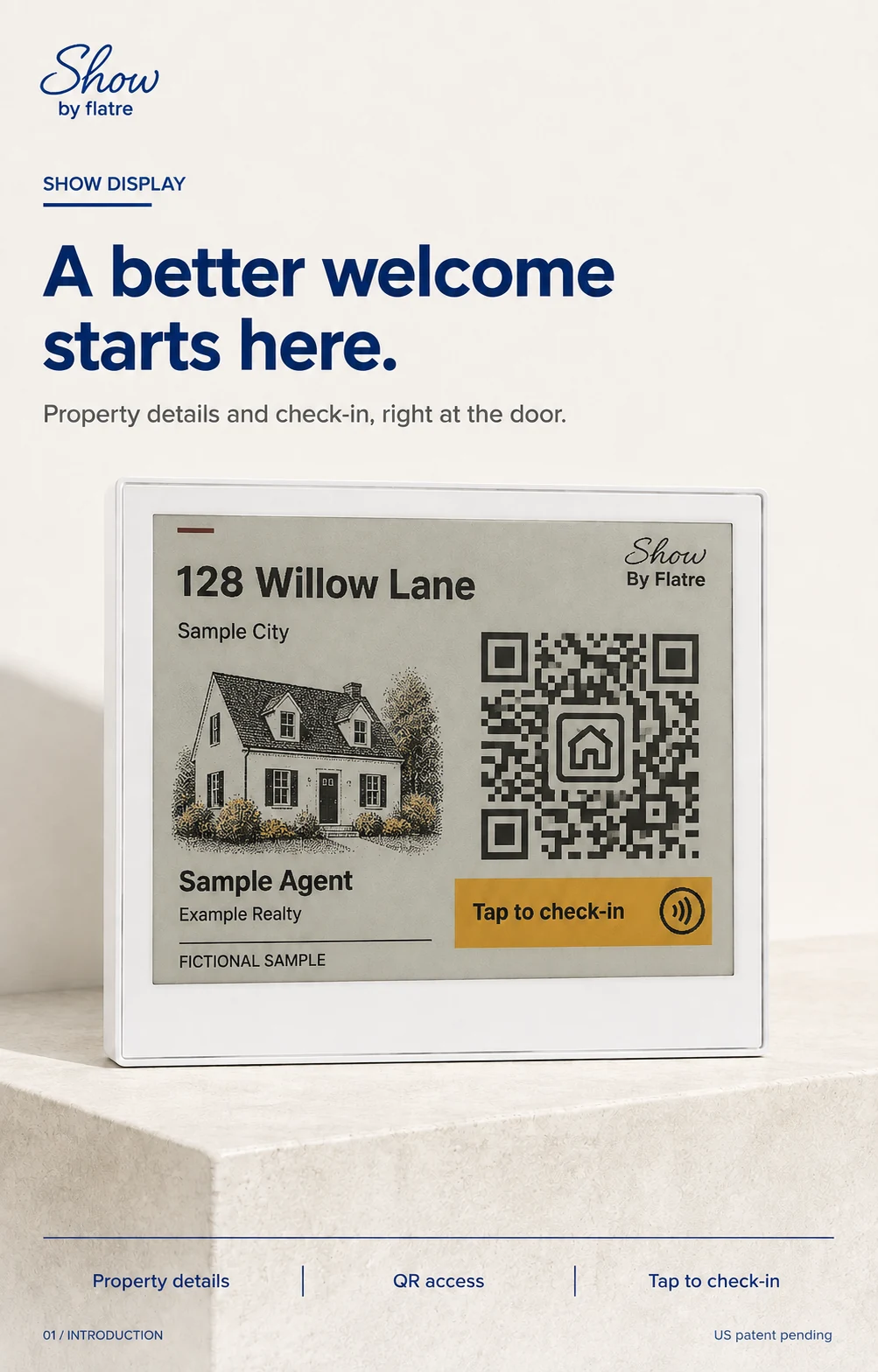
A compact property display that puts the address, home photo, agent details, and tap-or-scan check-in together at the entrance. Make it the main touchpoint for your listing, from the first arrival to the next showing.
Show Display system · U.S. patent pending
Property details, together
A clear introduction.
Before the conversation.
Give visitors the context they need, with a visible invitation to take the next step.
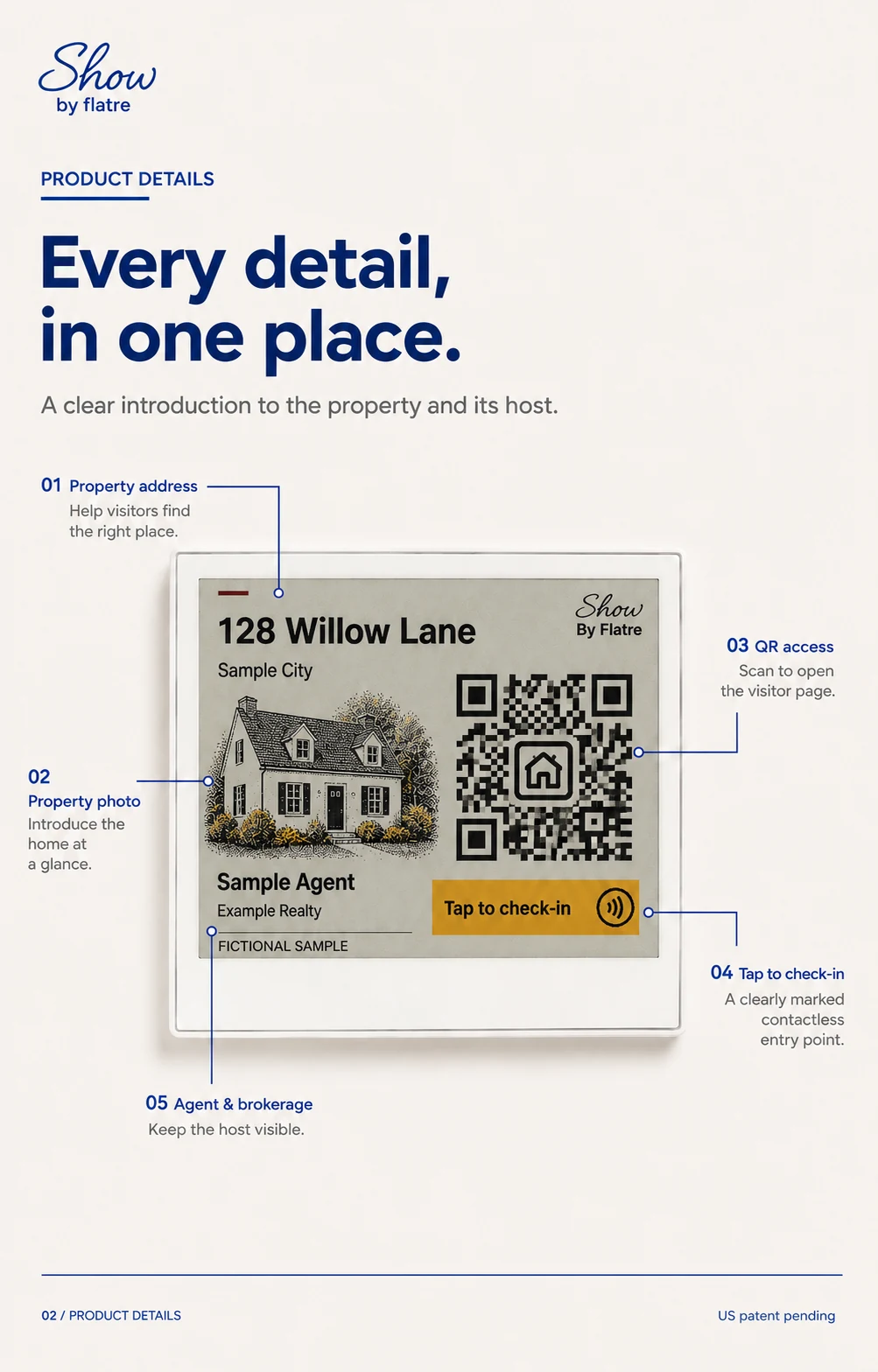
- Introduce the property
- Show the address and a property photo before visitors open the page.
- Keep the host visible
- Put the agent and brokerage alongside the property details.
- Make the next step clear
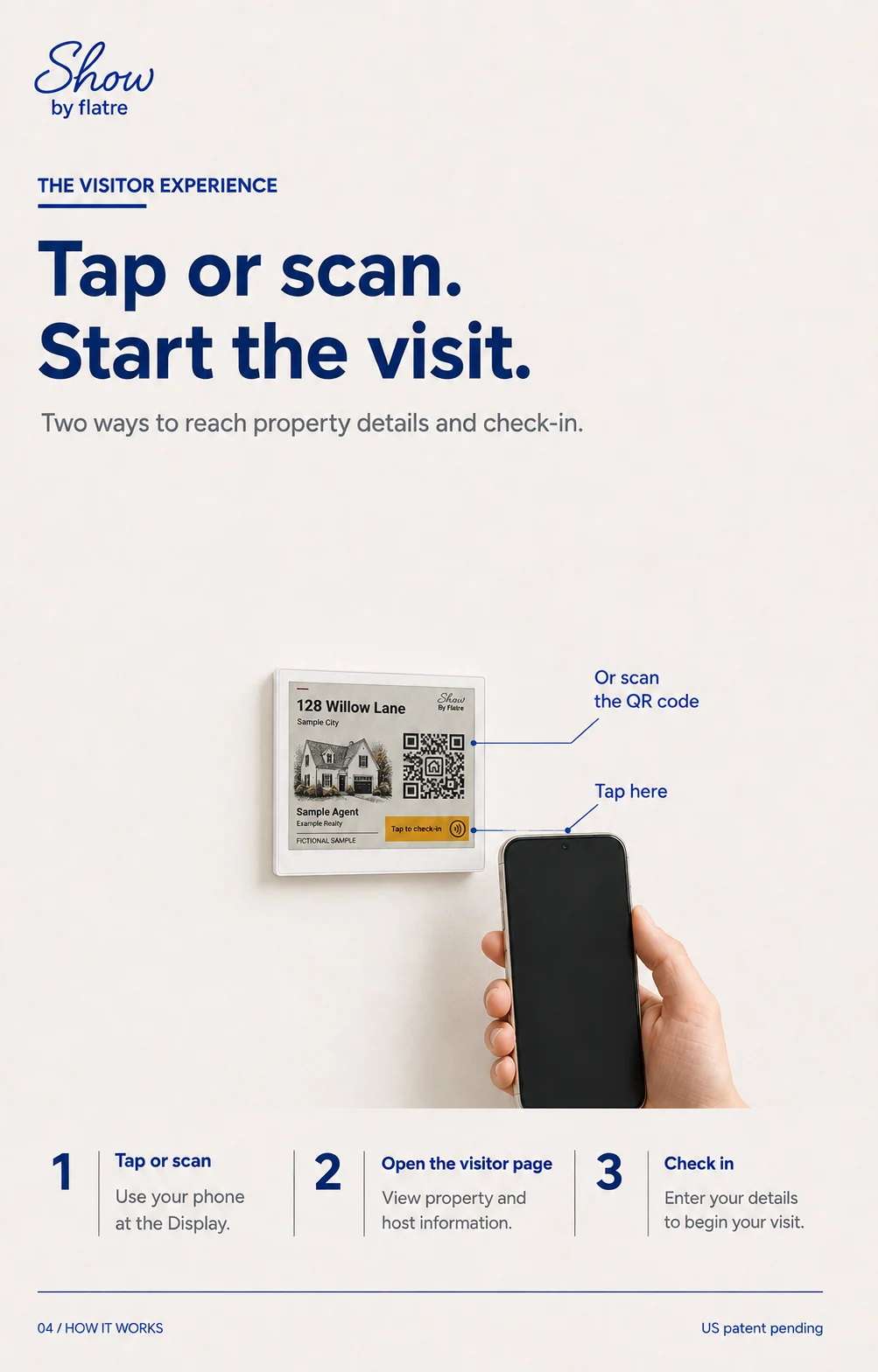
- A QR code and a marked NFC tap area lead to your Show visitor page.
- Use it for the next listing
- Update the visible property details when you reassign the Display.
Show Display in place
Small in the space.
Clear at the entrance.
For open houses, private showings, and model-home visits.
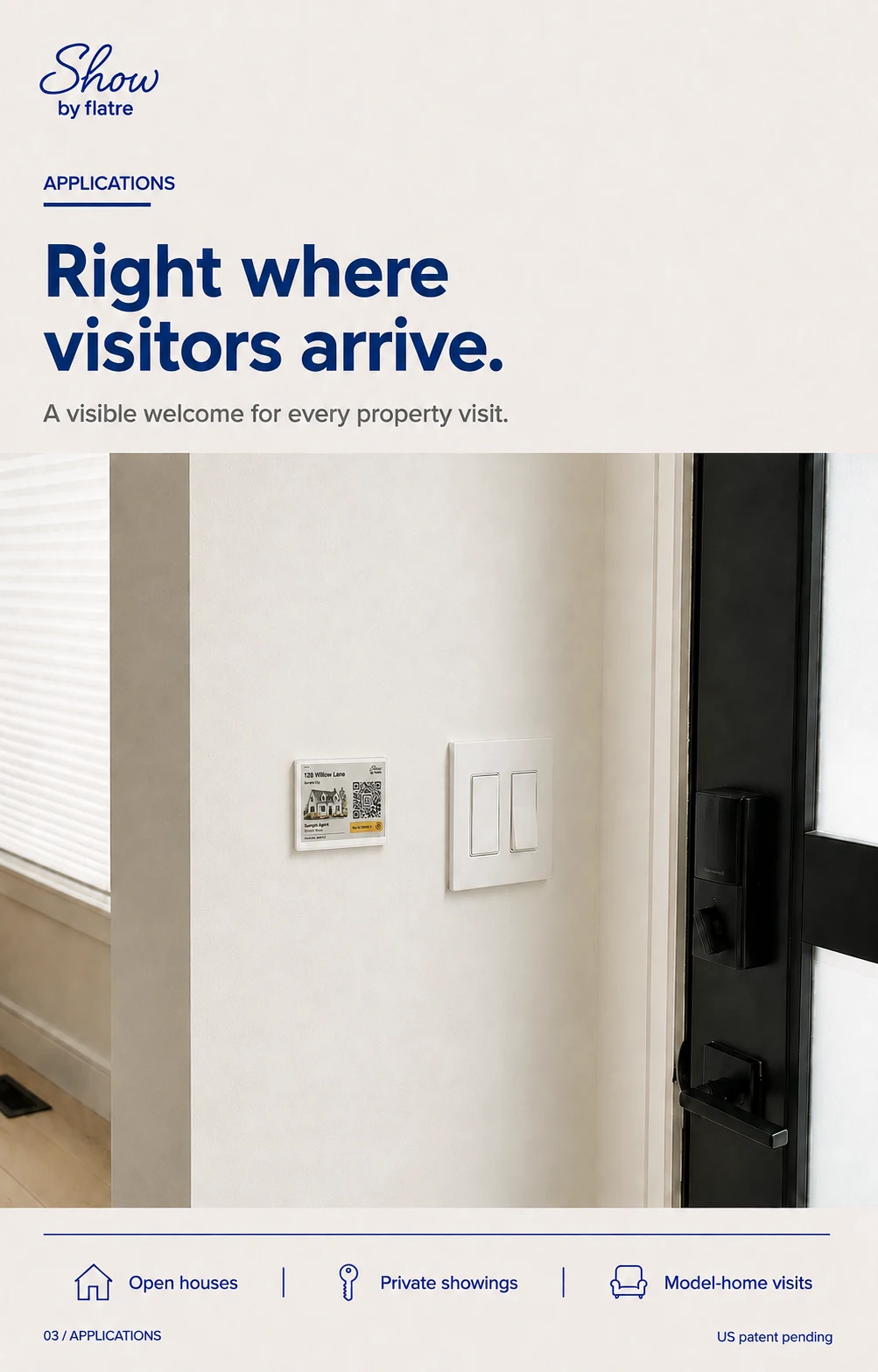
At the indoor entrance
Place the Display where visitors arrive, with property details and check-in in reach.
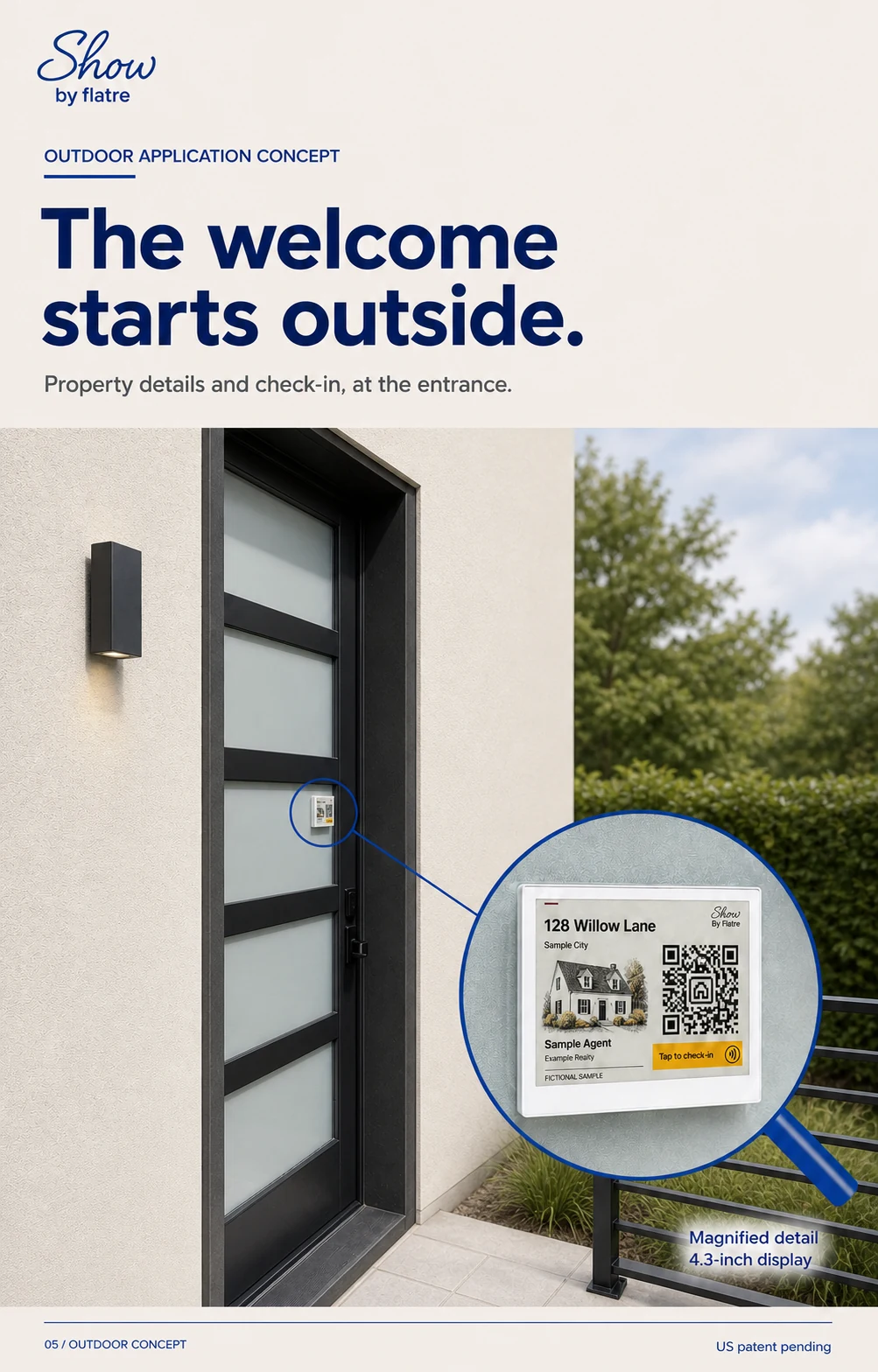
At the door Outdoor concept
A small placement on glass, with a magnified view of the Display’s details.
Concept imagery uses a fictional listing. Outdoor placement is shown as a concept.
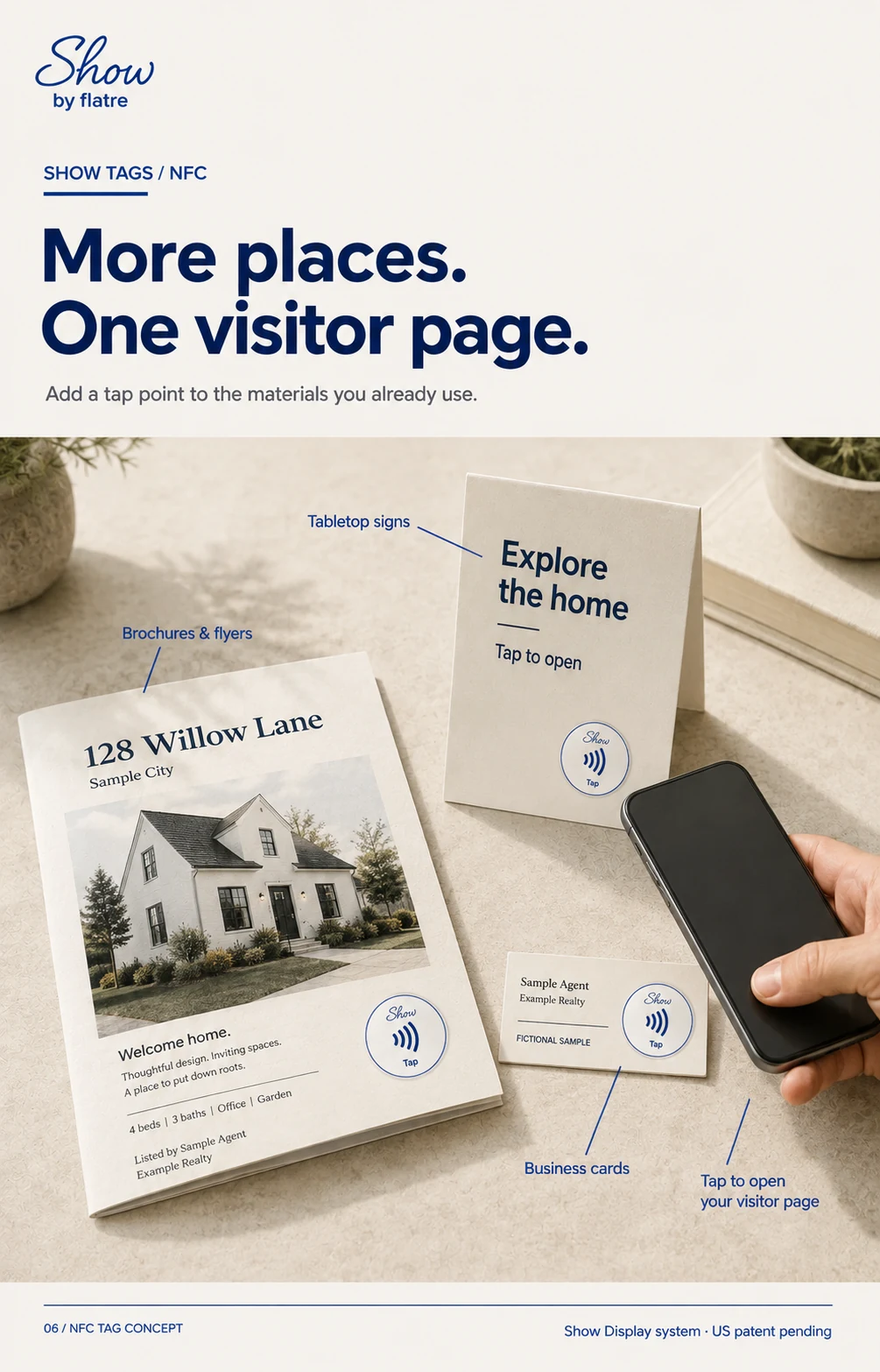
Flyers & brochures
Add a tap point to the printed property materials you already hand out.
Business cards
Give visitors another way to open your page after the conversation.
Signs & other placements
Add access on a compatible sign, tabletop, window, or other convenient surface.
Show Display at the main entrance. NFC tags wherever you want an additional tap point.
Start with your visitor page.
One welcome. More ways to connect.
Show Display · $99 · Sold out